After eating snacks or drinking coffee, you'll often find oily fingerprints on your phone screen. For laptops used for a long time, dust from the keyboard gaps may form little fluff on the screen. At times like this, screen cleaning wipes are usually the first choice. But after wiping, there might be water marks left, or you worry about scratching the screen coating. You may ask: Can these wipes really "clean" the screen? Don't jump to conclusions yet. Let's start with what the "dirt" really is and break down how the wipes work step by step.
What Exactly Is the "Dirt" on Screens?
To figure out if screen cleaning wipes work, you first need to know what "enemies" they're fighting. The dirt on screens looks simple, but it's actually a "mix of troublemakers," mainly in three types:
Dust Particles: These include tiny fibers in the air, skin flakes, and crumbs from keyboard gaps. These particles may seem light, but when you wipe the screen dry, they act like "small sandpapers" rubbing against the surface. Especially for screens with anti-glare coatings, wiping dry repeatedly can easily leave tiny scratches.
Oily Dirt: This is the most annoying "stubborn guy." It mainly comes from the oil on your fingers, leftover skincare products, or accidental food oil stains. The molecules of this oil stick tightly to the screen's surface molecules. If you only use a dry cloth to wipe, you'll just push the oil around, making the screen even messier-like wiping chili oil with a dry tissue.
Germs: The number of bacteria on a phone screen is even higher than on a toilet seat (studies show there can be thousands per square centimeter). Common ones like Staphylococcus and Escherichia coli are often present. If you frequently lend your phone to others, you're more likely to touch these "invisible dirt."
Once you understand this, you'll see: The key to cleaning a screen is "removing dust and oil without hurting the screen, and preferably reducing germs too." That's exactly why screen cleaning wipes were made.
How Do Cleaning Wipes "Get the Job Done"? Two Key Tricks
Screen cleaning wipes work better than dry cloths or regular wet wipes because of their "double advantages": special cleaning liquid and screen-friendly material. Without either, the effect will be much worse.
Cleaning Liquid
You might think the wipes just "have water in them," but they actually contain "little cleaning helpers"-surfactants. This ingredient lowers the surface tension of water, breaking oily dirt into tiny particles you can't see. Then the water wraps around these particles, so they get wiped away together. Moreover, proper screen cleaning wipes control the liquid's pH level (close to neutral). Unlike alcohol (which is acidic), they won't damage screen coatings. For example, OLED screens have anti-burn-in coatings, and LCD screens have anti-fingerprint coatings. Wiping with alcohol a few times can cause "rainbow marks," but good screen cleaning wipes won't do that.
Some wipes also contain a little moisturizer, like glycerin. This keeps the cleaning liquid from drying out too fast (so you won't get water marks when the wipe dries halfway). It also forms a thin protective layer on the screen, reducing future fingerprint marks. That's why some wipes make the screen "brighter" after wiping.
Wipe Material
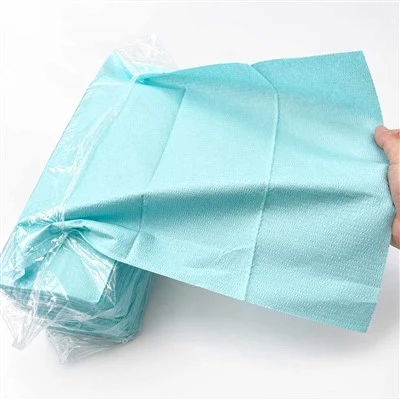
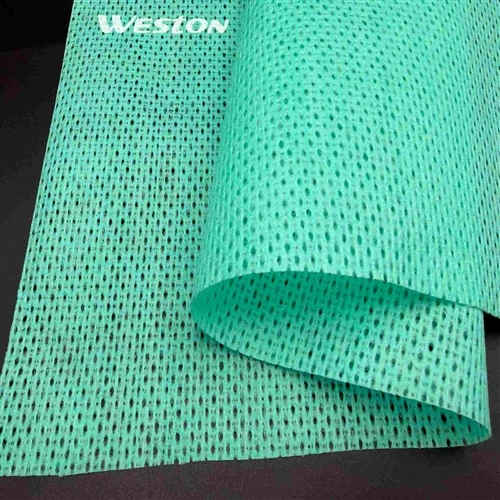
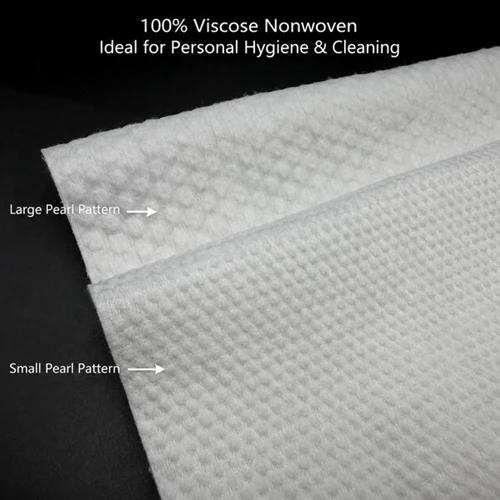
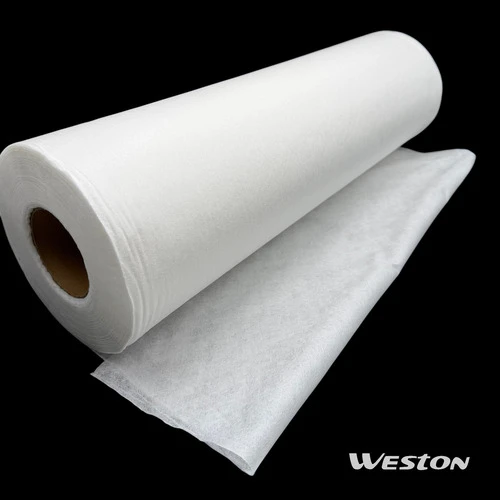
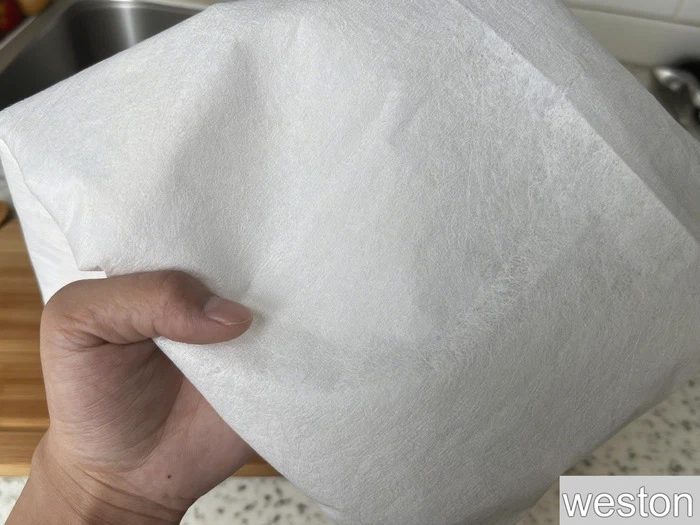
The wipe material is the "invisible hero" many people ignore. Regular wet wipes use rough non-woven fabric. When wiping screens, they easily leave lint and might scratch the surface. But professional screen cleaning wipes, like Reusable Microfiber Cloths, have fibers only 1/20 the thickness of a human hair. They act like "small hooks" that get into tiny gaps on the screen, holding dust tightly in the fiber gaps. This way, dust won't rub back and forth on the screen. More importantly, ultra-fine fibers are soft-even if you wipe a little harder, they won't damage the coating. Plus, you can wash them and use them again, which is more eco-friendly than one-time wipes.
There are also ISO Class 4 Cleanroom Wipes for special needs. These wipes are made in dust-free environments. Both the material and cleaning liquid go through strict filtering, and even the amount of fiber falling off is strictly controlled. They're good for scenes that need super clean conditions, like medical equipment screens or industrial control screens. However, for regular users, daily screen cleaning wipes are more than enough.
Avoid Mistakes: When Wipes "Don't Work," You're Probably Using Them Wrong
Some people say, "I used wipes but still can't clean the screen." Most of the time, it's not the wipes' fault-you might be making these mistakes:
Mistake 1: Wrong Wiping Direction. Many people like to wipe in circles. But this makes oil and dust spread around the screen, making it messier. The right way is to "wipe in one direction"-from the top-left to the bottom-right of the screen, or from the middle to both sides. This lets the dirt be wiped away in one go. After that, use a dry ultra-fine fiber cloth to soak up leftover water, and there won't be water marks.
Mistake 2: Choosing the Wrong Wipes. If you use regular "multi-purpose wipes" (like those for wiping tables or hands), they may have alcohol, fragrance, or preservatives. These can damage the screen coating. Some wipes also have rough material-one wipe can leave scratches. Remember: Always choose wipes clearly labeled "for screens only." Especially for high-end screens like OLED or Micro LED, the formula is gentler.
Mistake 3: Rubbing Hard on Stubborn Stains. For example, coffee or juice stains on the screen dry into "hard lumps." Wiping directly with a wipe won't remove them-it may even push the lumps into the screen gaps. The right way is to press the wipe on the stain for 10-20 seconds first. Let the cleaning liquid soften the hard lump, then wipe gently. It will come off easily.
Pros and Cons: Screen Cleaning Wipes Aren't "Magic"
We've talked about the "good side" of the wipes. Now let's be honest about their limits-no product is "perfect."
Pros:
Easy and Fast: Tear one open and use it. No need to mix cleaning liquid yourself. Put a few in your bag when going out-you can wipe your phone or tablet anytime, solving the "sudden dirty screen" problem.
Screen Protection: The special wipes have a neutral pH and soft material. They're safer than wiping with alcohol or water + tissue, especially for screens with coatings.
Germ Reduction: Some screen cleaning wipes have quaternary ammonium compounds (a kind of germ-killing ingredient). They can remove over 90% of common germs. This is useful for shared screens, like office computers.
Versatile: They work for small screens (phones, watches), big screens (laptops, monitors), and even eyeglass lenses.
Cons:
Can't Fix "Super Stubborn Stains": Things like glue marks on screen edges or old oxidation layers. Wipes alone can't remove them-you need special cleaners or tools.
One-Time Wipes Need to Be Replaced: Regular screen cleaning wipes are one-time use. You'll need to buy more over time. But Reusable Microfiber Cloths can be washed and reused, which cuts down on waste.
Need to Store Properly: If you don't seal the wipe package tightly, the cleaning liquid will dry out fast. The wipes will become hard and lose their cleaning power. So always seal the package after use.

Choose the Right One: Which Wipe Fits Your Screen?
In fact, "whether screen cleaning wipes work" mostly depends on "if you choose the right one." Different screens have different needs, so the right wipes are different too:
For Small Screens: If you have small screens like phones or tablets, and the main dirt is fingerprints and dust, regular Screen Cleaning Wipes are fine. Pick ones with ultra-fine fiber material-they won't leave lint.
For High-End Screens: If you have high-end screens like OLED or Mini LED (such as new phones or gaming monitors), choose wipes labeled "no alcohol, no fluorescent agents." Their formula is gentler to avoid damaging the coating.
For Outdoor Use: If you use devices outdoors often (like for outdoor live streams or construction site tablets), your screen gets dusty and oily easily. Choose wipes with more cleaning liquid and good moisture retention-one wipe keeps the screen clean longer.
For Industrial or Medical Fields: If you work in industrial or medical fields and need to clean equipment screens (like monitors for medical devices), you can try ISO Class 4 Cleanroom Wipes. They have a higher clean standard, so dust won't affect the equipment.
For Eco-Friendly Cleaning: If you want to be eco-friendly and clean home screens (computers, TVs) daily, Reusable Microfiber Cloths are a good choice. Soak them in water or a little neutral cleaner, wipe, then wash and dry. You can use them dozens of times-great value.
There's no need to doubt screen cleaning wipes anymore. They're not "useless products"-they're "effective tools" for cleaning screens. The key is to understand what the "dirt" on your screen is, choose the right wipes, and use them the correct way. If you want to try a cleaning solution that fits your screen, you can get a free sample by contacting info@westonmanufacturing.com. Trying it yourself is more helpful than hearing explanations-after all, one wipe tells you more than a thousand words.